Managed IT·Applied AI·Projects
Machining·Retail·Agriculture·Legal

©The IT department for businesses that don’t have one.

Owner-operated
Camarillo, California
Same-day response·On site across Ventura County·Remote U.S. + +Scroll
00Mandate

One person who answers. Every system your business runs on.

Camarillo Connect keeps the computers, network and accounts of Ventura County businesses running, and builds AI automation when a job is worth automating. The person who scopes the work is the person who does it.

Disciplines
Managed IT·Applied AI·Projects
Serving
Ventura County on site·United States remote
Based
Camarillo, California
Billing
Per person per month·Prepaid hour blocks
01Managed IT
Help desk & security

Computers that just work.

Help desk for your staff, workstation setup and replacement, Microsoft 365 and Entra ID, backups, email security, Wi‑Fi and network gear. Priced per person per month so the bill is predictable and nobody hesitates to call.

View capability
Response
Same day·On site when needed
Covers
Help desk·Patching·Backups·Email security
Platforms
Microsoft 365·Entra ID·Windows·Mac
Pricing
$120 per person per month
02Applied AI
Automation

AI that does the tedious part.

Quoting assistants for job shops, document intake, reporting, internal chat assistants that know your own files. Built to run on your own hardware or in your cloud, so your data never leaves your control. We start with one workflow, measure the time it saves, then decide what’s next.

View capability
Start
One workflow·Measured
Runs on
Your hardware·Your cloud
Examples
Quoting·Document intake·Reporting
Data
Stays yours
03Projects
Infrastructure

Scoped. Planned. Visible.

Office moves, new servers, cloud migrations, security cleanups, onboarding and offboarding automation. A written plan with phases and hour estimates before any work starts, billed as prepaid blocks of engineering hours, with every hour visible in your portal.

View capability
Format
Written plan·Phases·Hour estimates
Billing
Prepaid blocks·10·25·50 hours
Updates
Posted to your portal
Examples
Office moves·Servers·Migrations
How a project runs01 / 04
Stage 01

Call

Twenty minutes on what’s slow, broken or manual today, and what you’d like to be true in six months.

Stage 02

Assess

A look at your systems, then a plain-language plan with phases, hour estimates and what stays out of scope.

Stage 03

Agree

A short agreement and a block of hours, or a monthly plan. Both appear in your portal the same day.

Stage 04

Build

Milestones and time logged as they happen. You always know what was done, what’s next and what’s left.

1 day
Reply time on every inquiry, one business day or less
$120
Per person per month for managed IT, devices $20 each
0
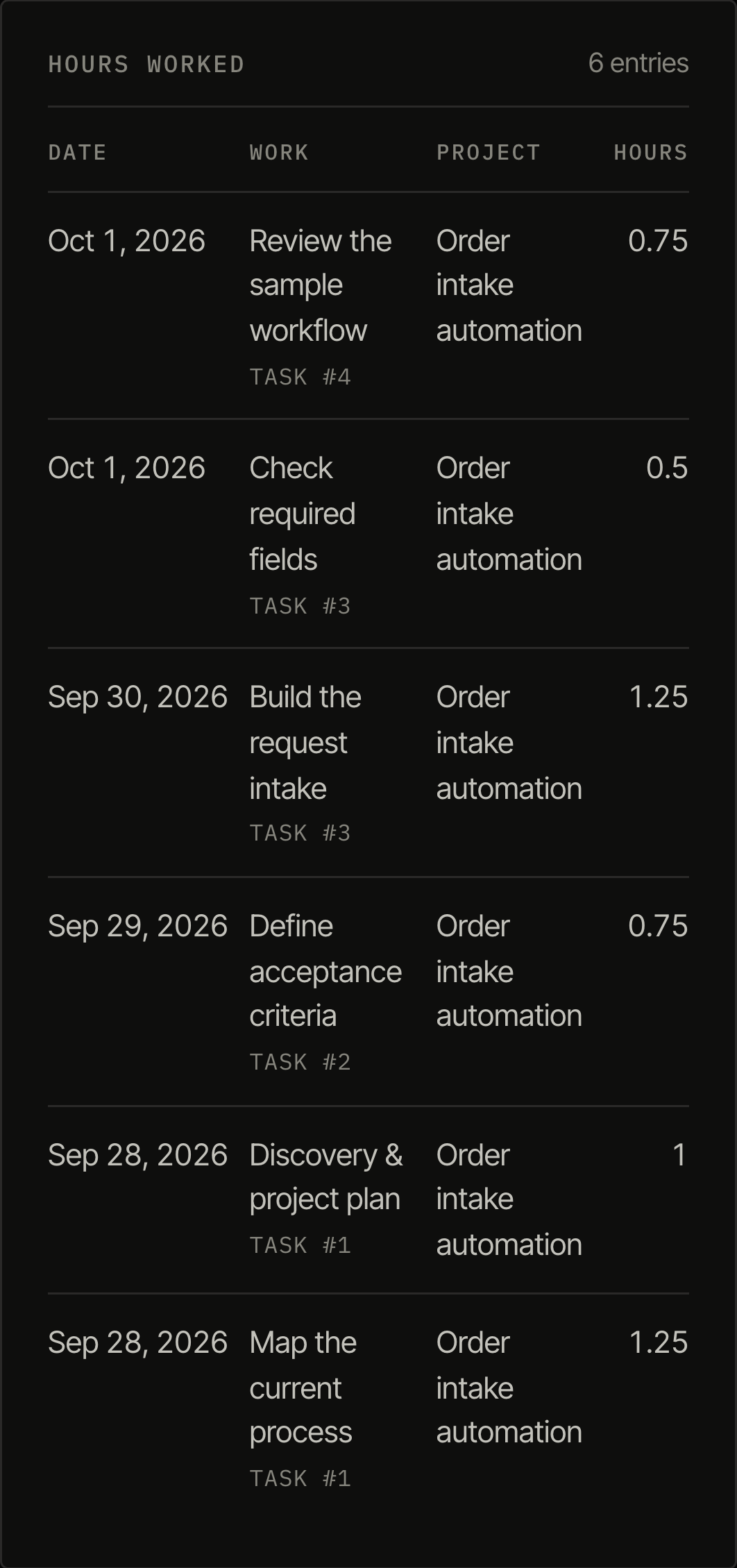
Hours billed that you can’t see in your portal
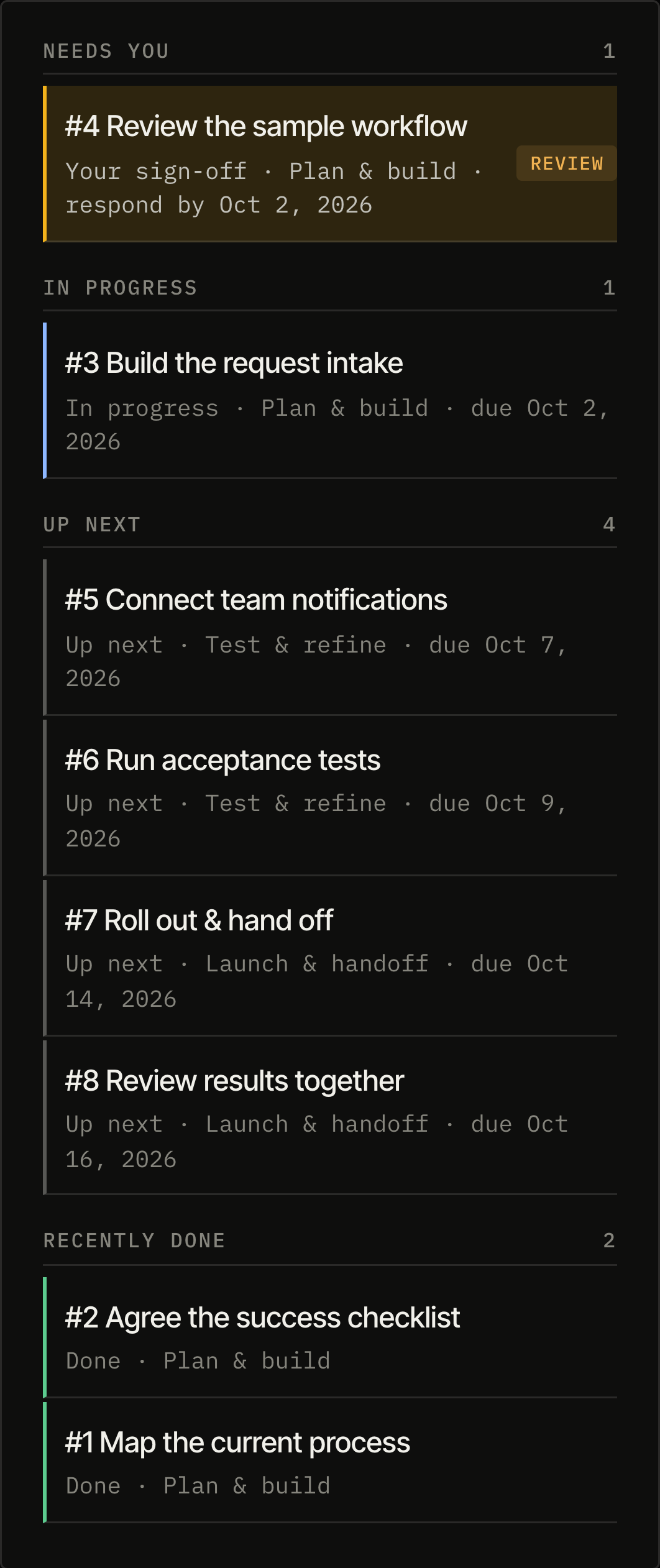
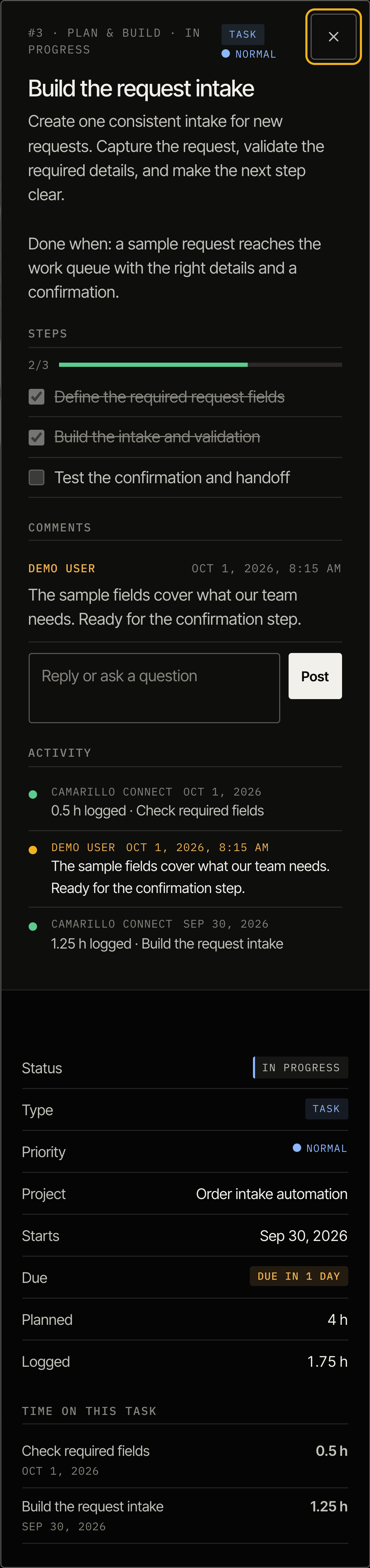
Client portal

Every hour, accounted for.

  • AgreementsThe plans, retainers and proposals you’ve signed, with the PDFs attached.
  • Project updatesA running log of milestones, blockers and questions for each project.
  • Engineering hoursHours purchased, hours used and what each one went to, down to the day.
Client sign in
Start a conversation

Not every problem needs a big vendor.

Book a call